
Driving feature expansion and usage
DESIGN FOR WEB SAAS
Overview
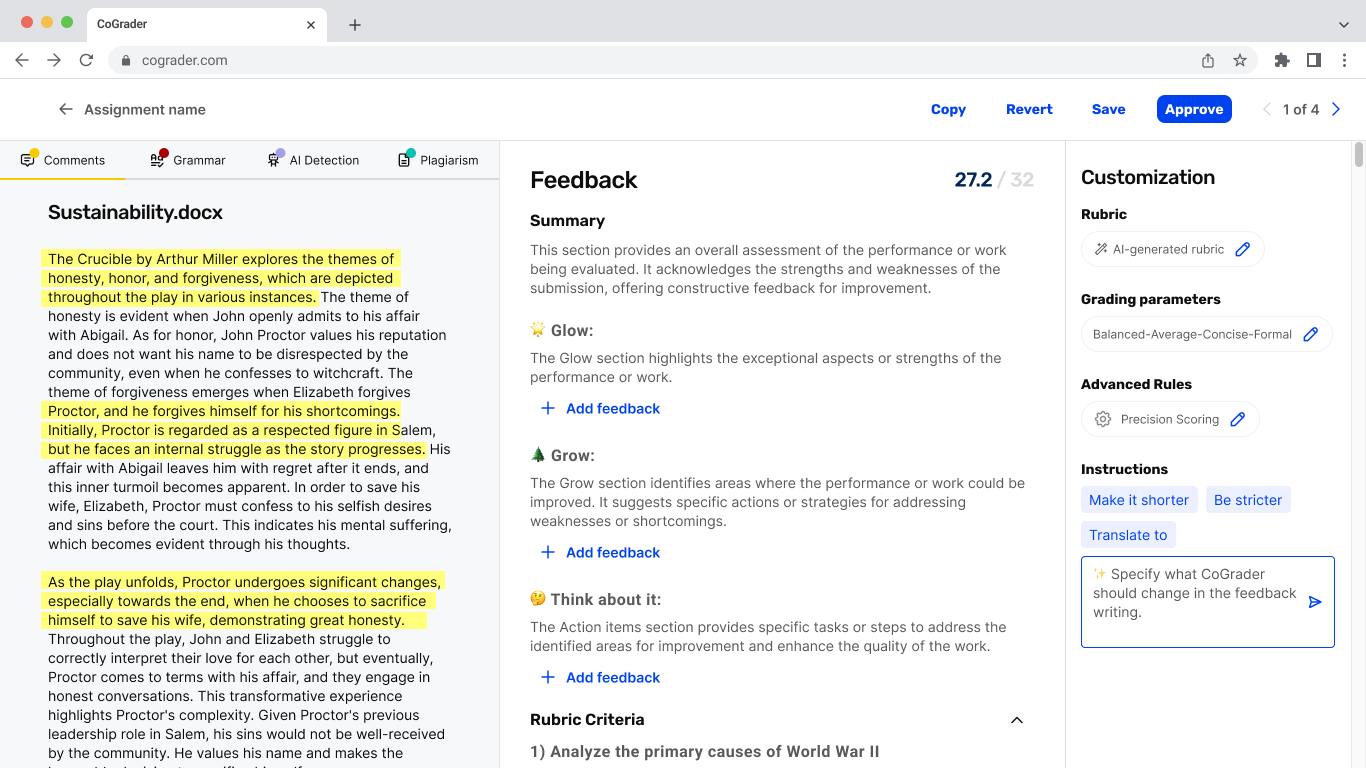
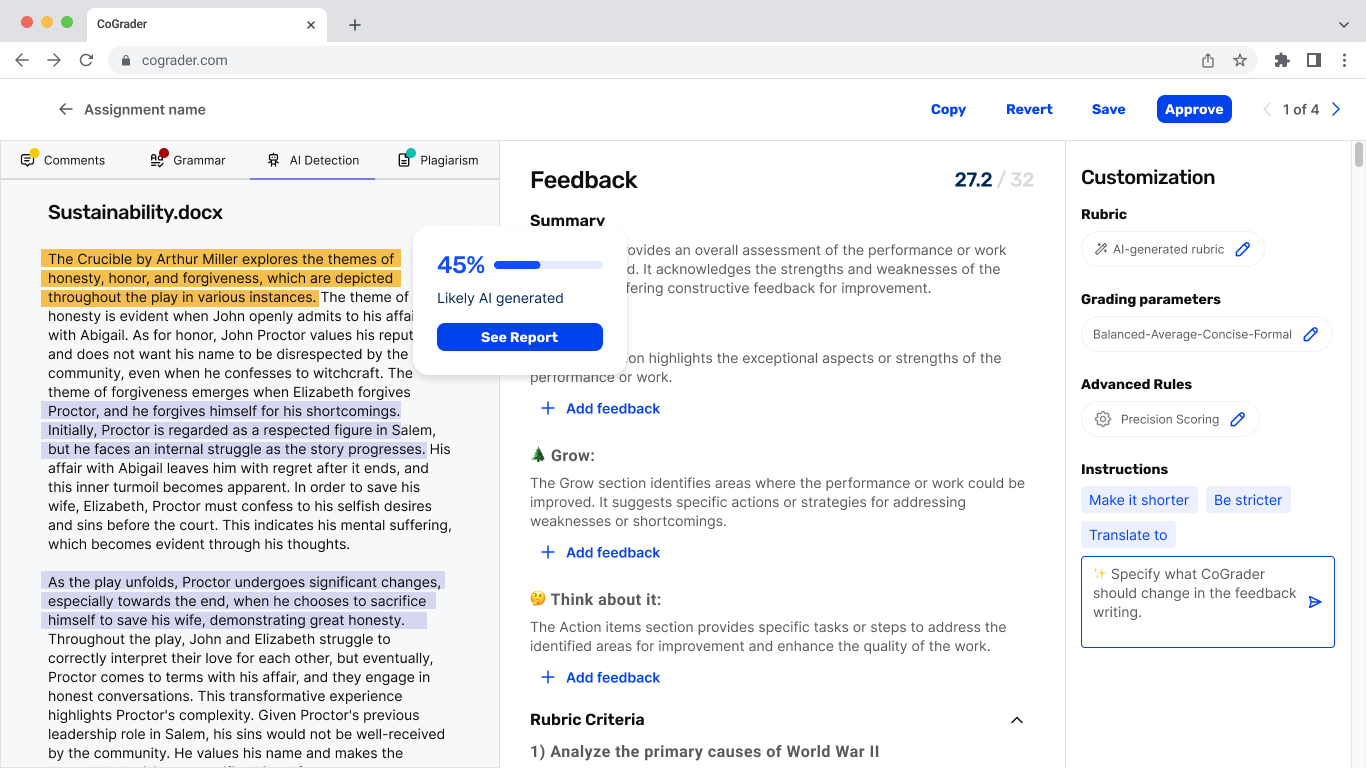
CoGrader, an AI-powered grading platform for teachers, faced low feature discoverability, inconsistent interactions, and limited user understanding of its most valuable tools. In late 2024, I was brought in to redesign the platform’s core flows, create new key features, including quizzes and open-ended question corrections, and improve conversion and analytics flows.
I also created improvements for AI insights, grammar corrections, and plagiarism detection.
MY ROLE
UX Designer. Collaborated with CoGrader's team, created user flows, high-fidelity screens, visual design, and design documentation.
COGRADER TEAM ROLE
Product strategy, UX Research, feature definitions
CLIENT
CoGrader
PLATFORM
Web
CATEGORY
EdTech
YEAR
2024-2025
PROBLEM STATEMENT
Lack of clarity and valuable features
The CoGrader team, through data observations using PostHog analysis of support channel feedback and user interviews with teachers, identified that the platform had several opportunities for improvement.
Need for expanded assesments format
The system required additional assessment formats beyond essays, such as quizzes and open-ended questions, to better support diverse evaluation methods.
Underutilised educational analytics
The educational data visualisation (analytics) features were rarely accessed, indicating that users were not fully benefiting from the insights available within the platform.
Quizzes
Adding new types of assignments, such as open-ended and multiple-choice questions, was important to grow CoGrader's base of users.
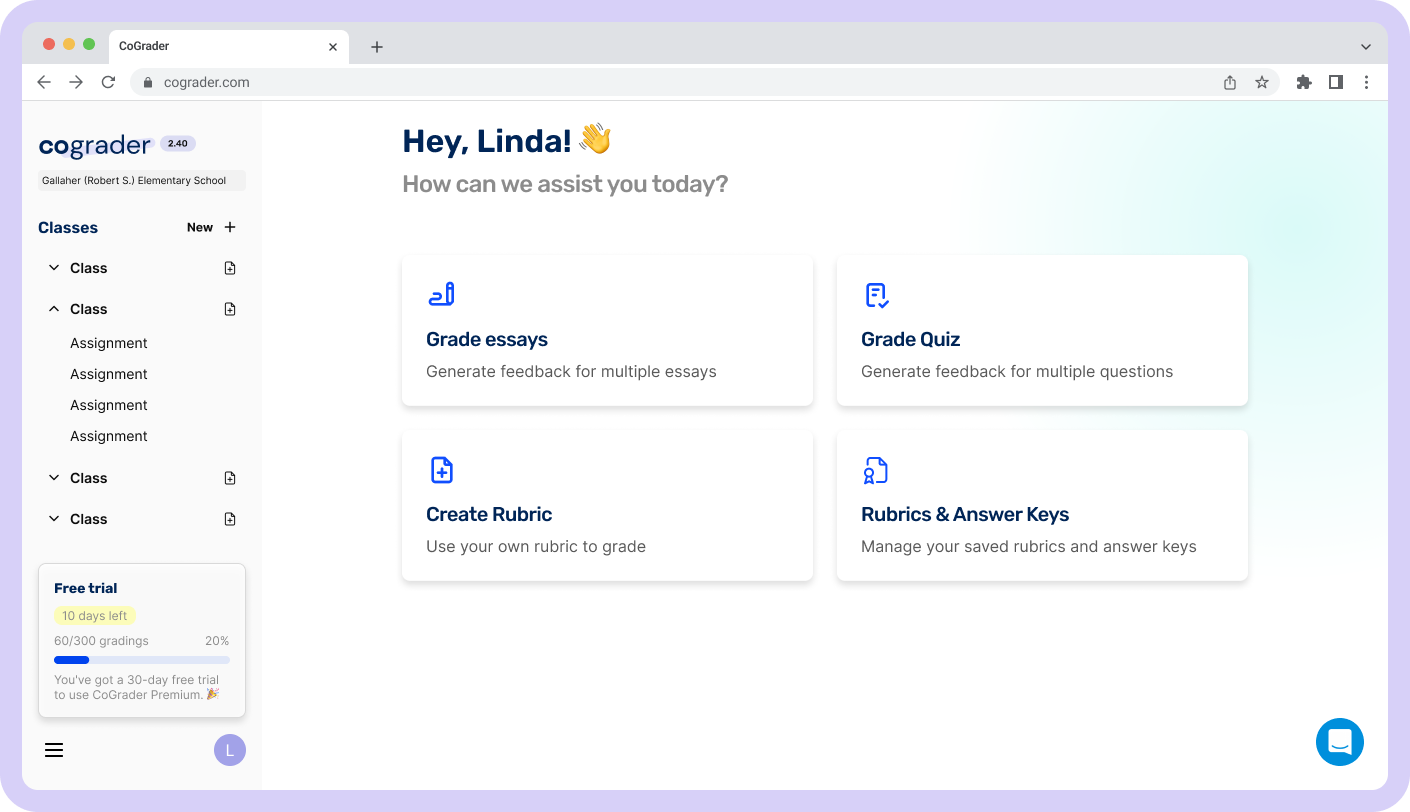
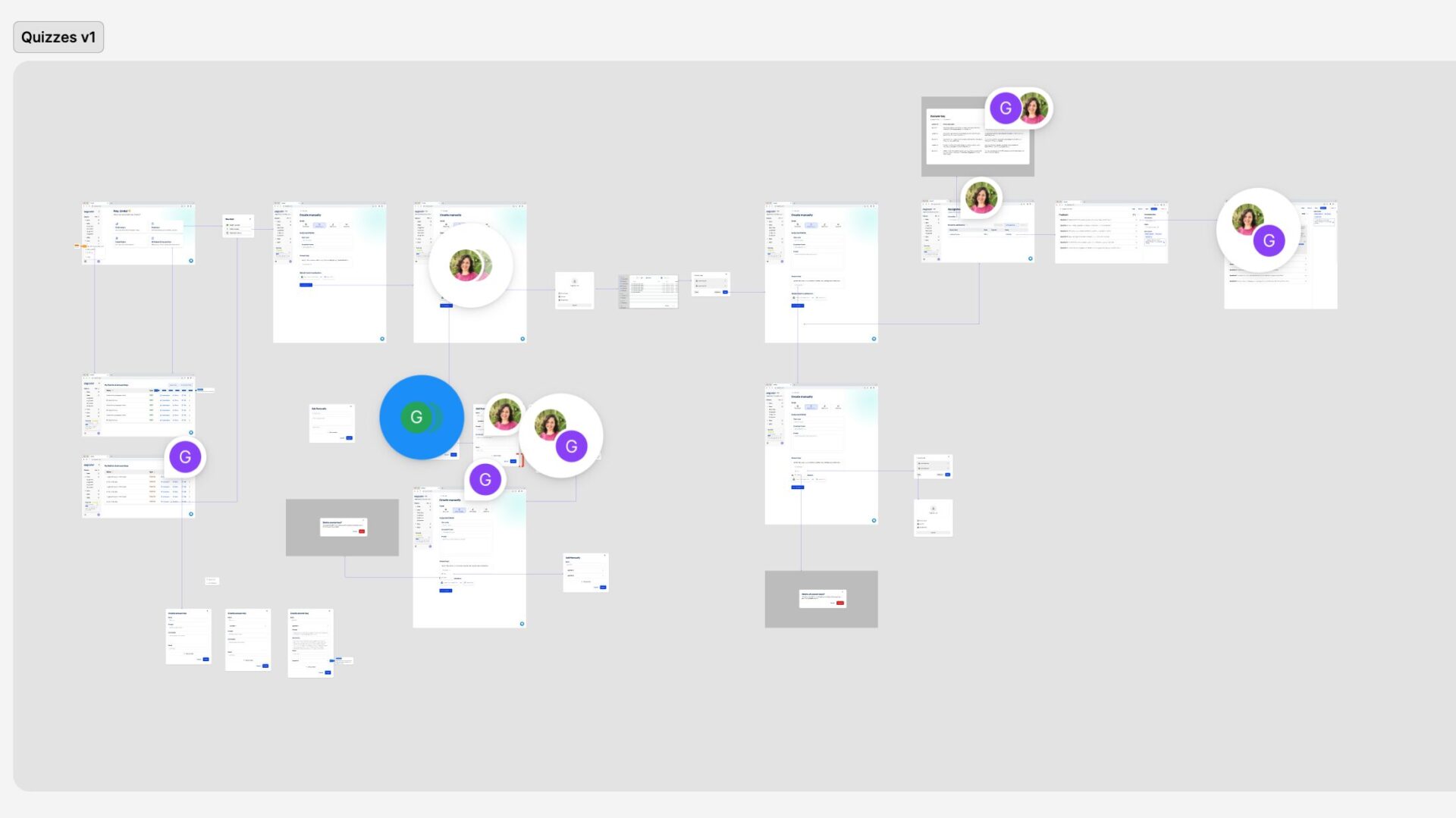
The idea was to introduce quizzes with both multiple-choice and open-ended questions. This new feature would impact the home page by adding a dedicated card, allowing users to access quizzes more easily.
To develop this feature, I began by analysing Google Forms, as it was already familiar to teachers. I observed that it allows educators to create quizzes and provide feedback for each question.
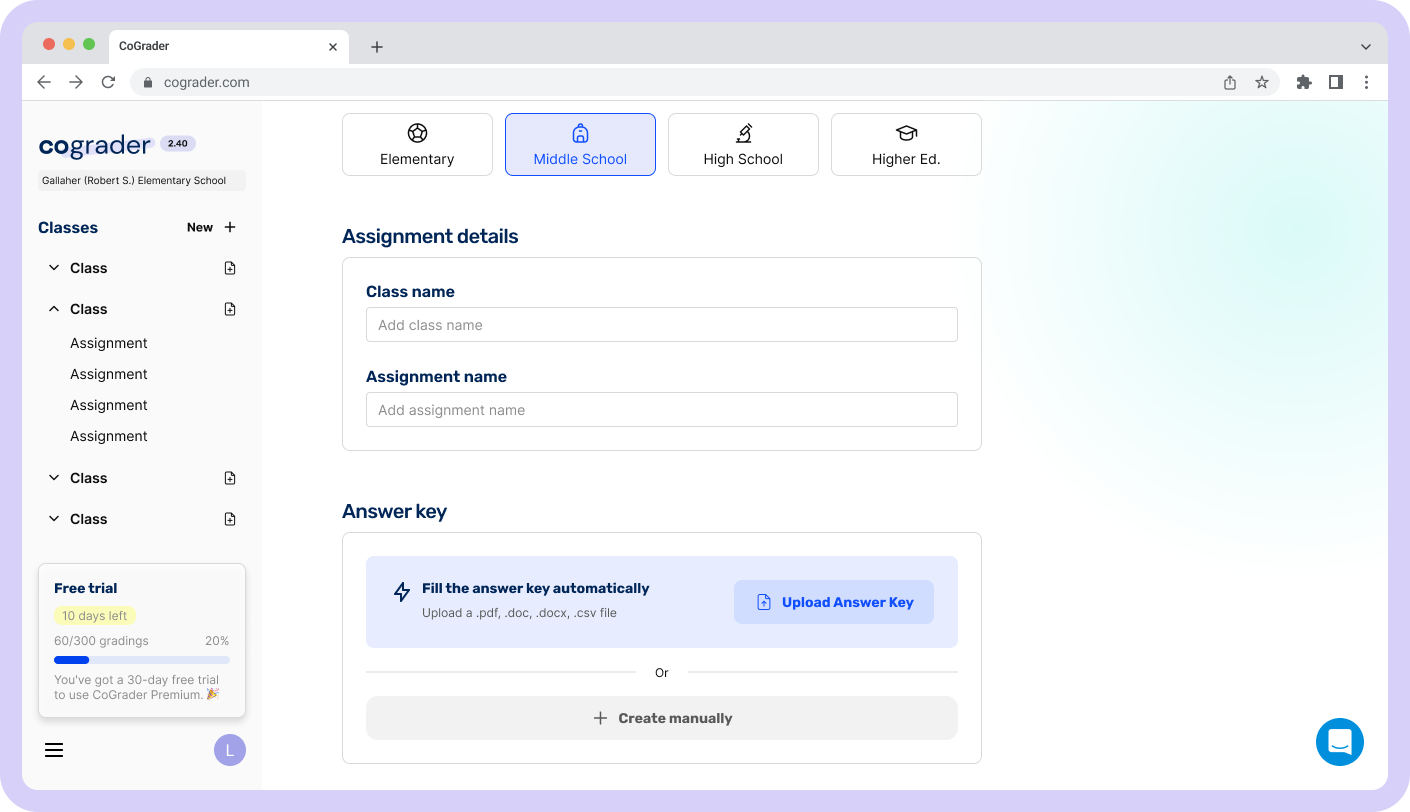
For CoGrader, however, this functionality could be further enhanced through automation. Instead of manually adding feedback, teachers could upload a reference document, enabling the system to extract the information and automatically generate the entire quiz, including answer keys. This approach significantly reduces the time required to create quizzes.
To encourage adoption, I designed a prominent card that draws attention to this feature, highlighting the time-saving benefit of adding an answer key through automation.
The user flow was refined based on feedback from the CoGrader team. I also improved the interaction for manually adding questions, ensuring that teachers could easily create multiple questions, delete them as needed, and specify the correct answer for each alternative.
Analytics
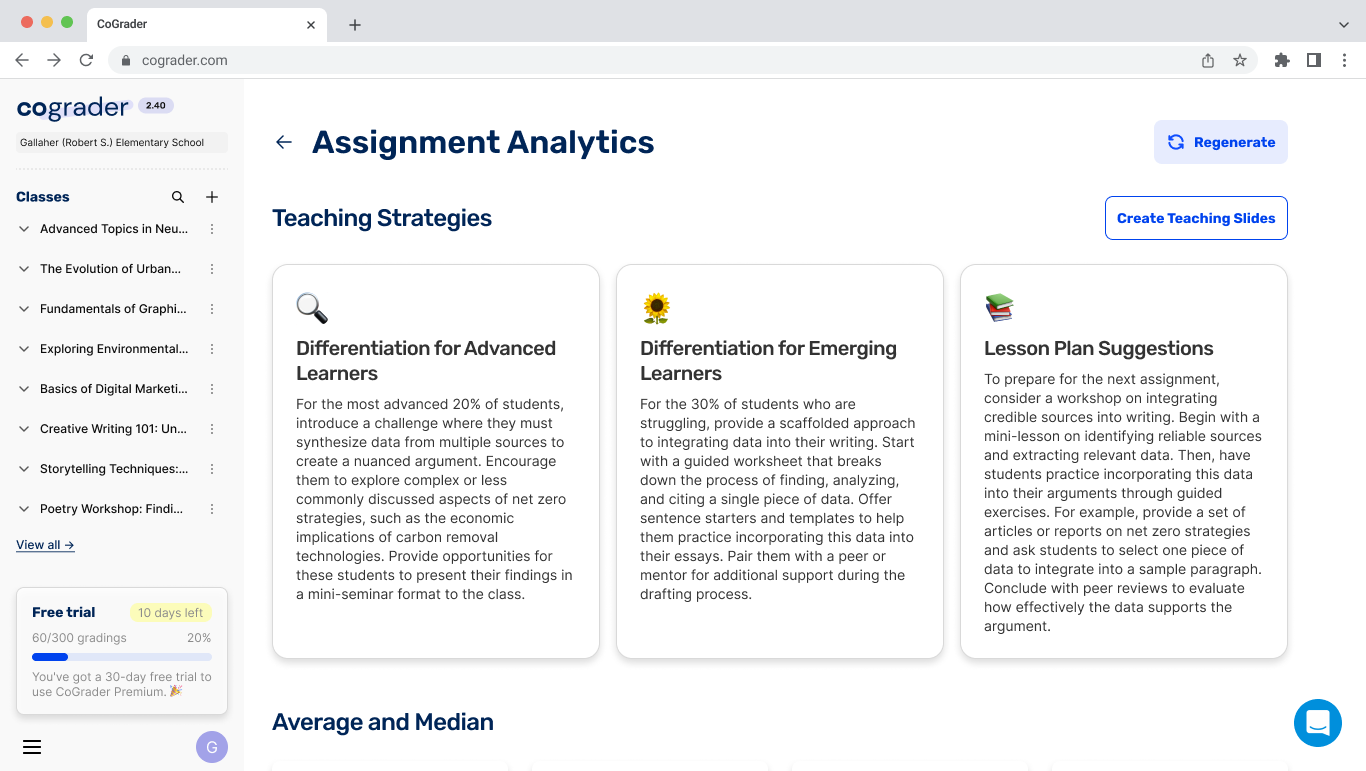
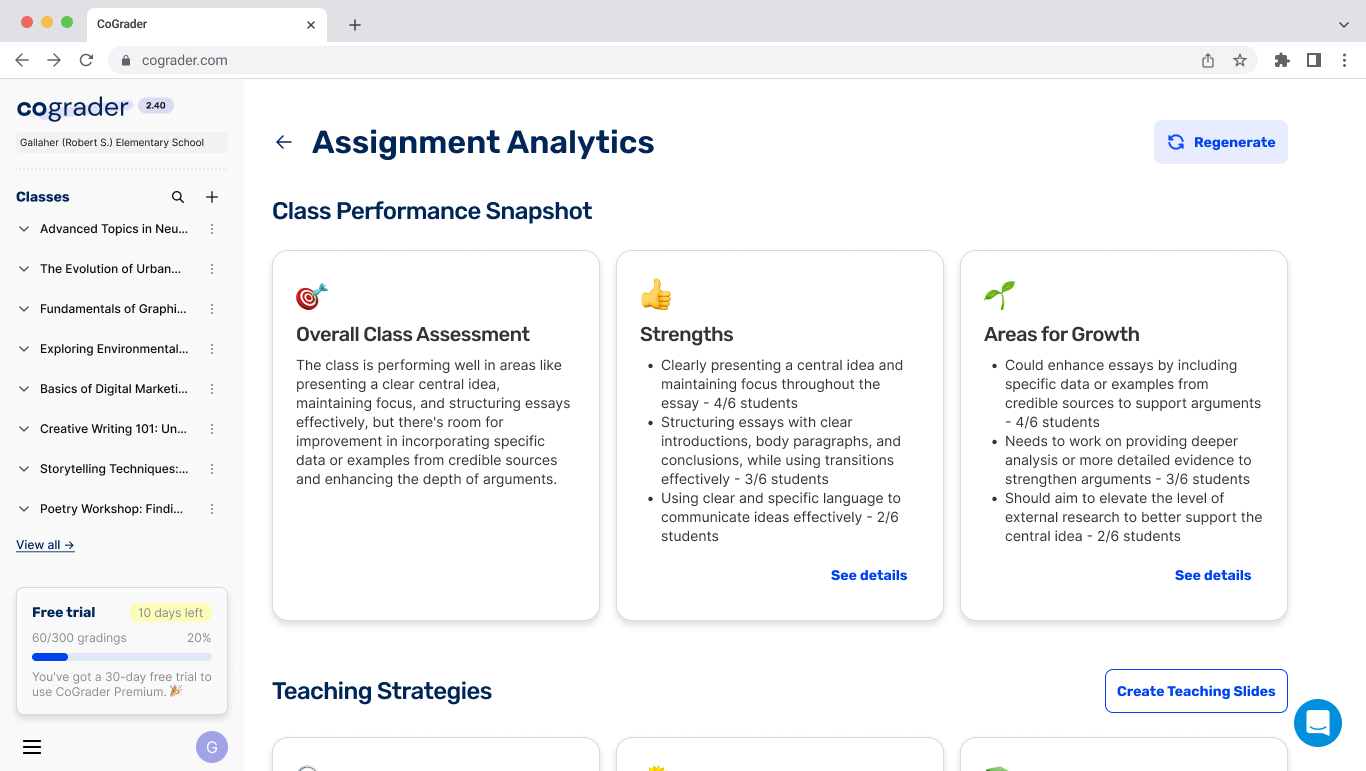
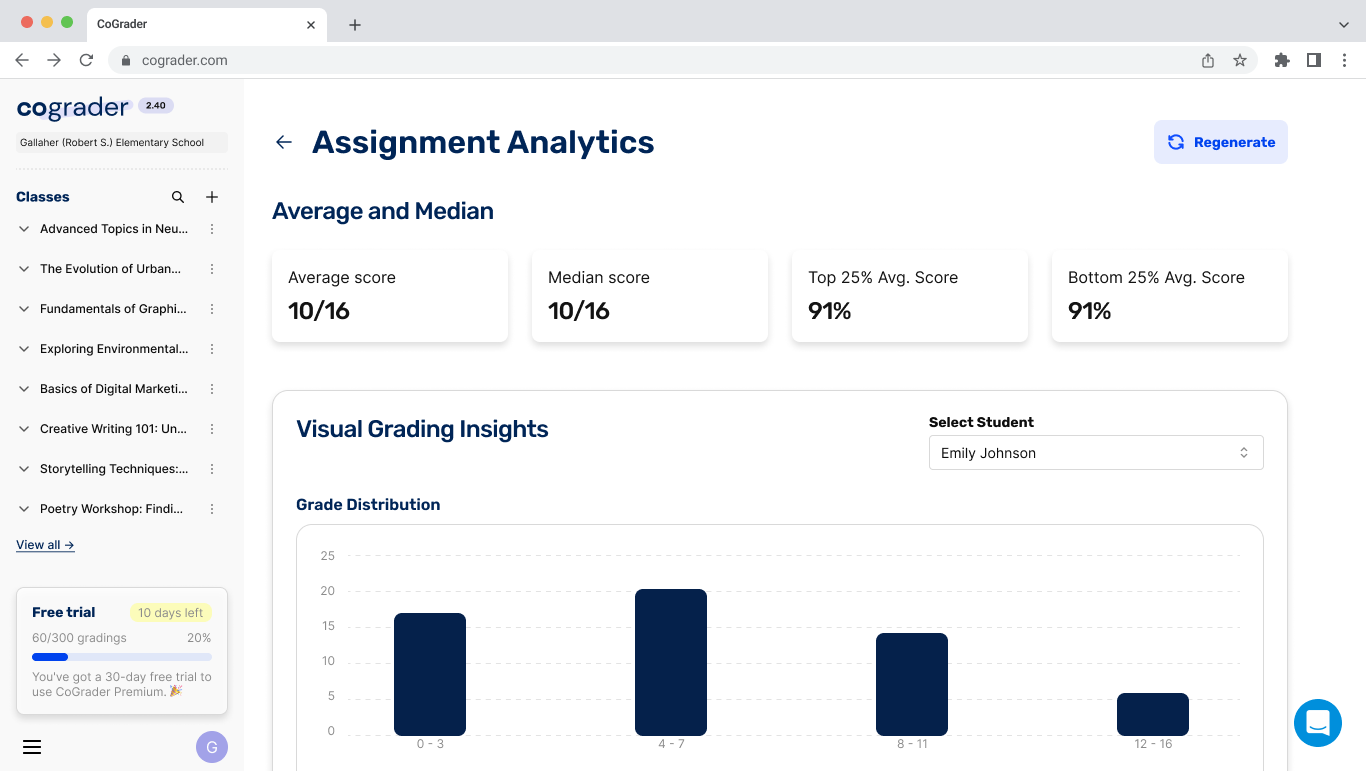
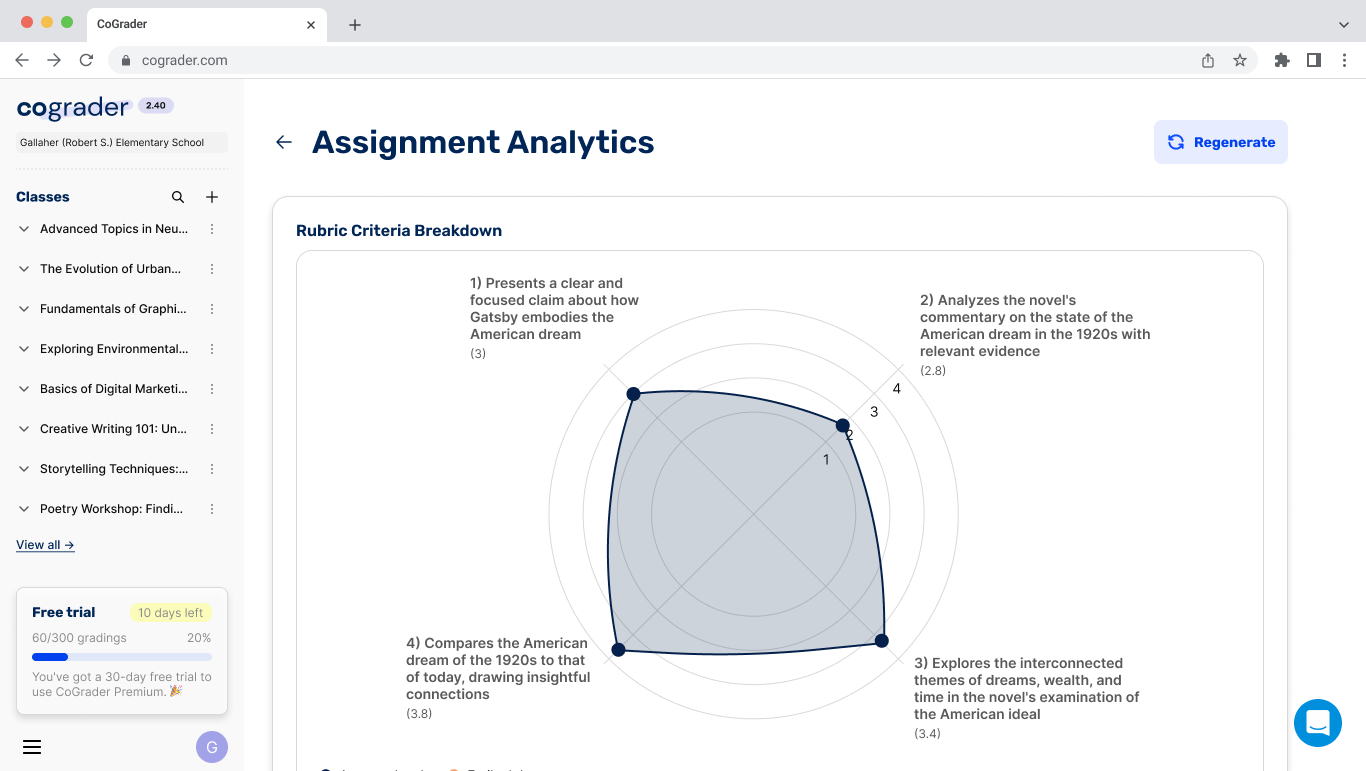
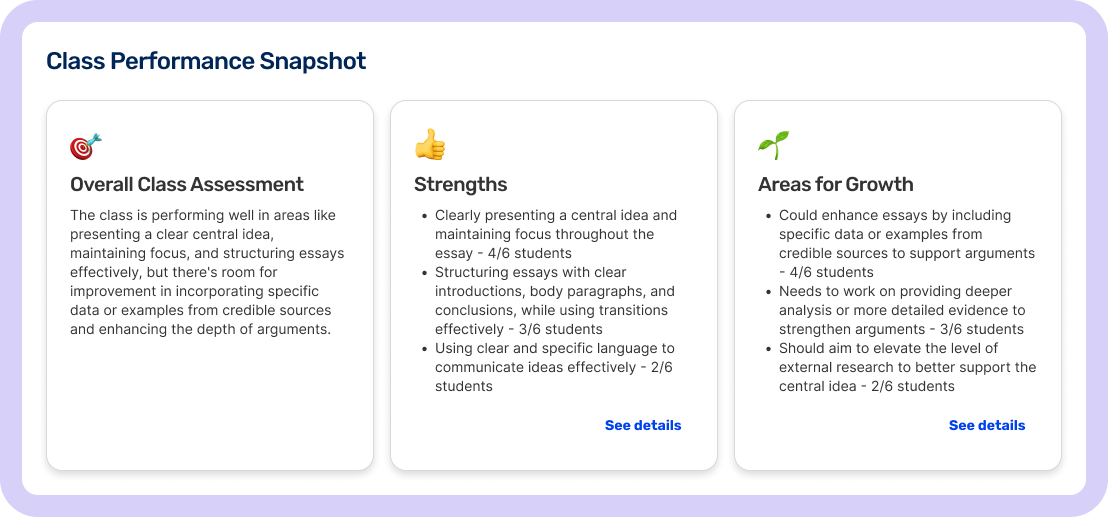
Analytics usage among teachers was very low, which meant the platform’s potential to analyse essay assessment data was largely overlooked.
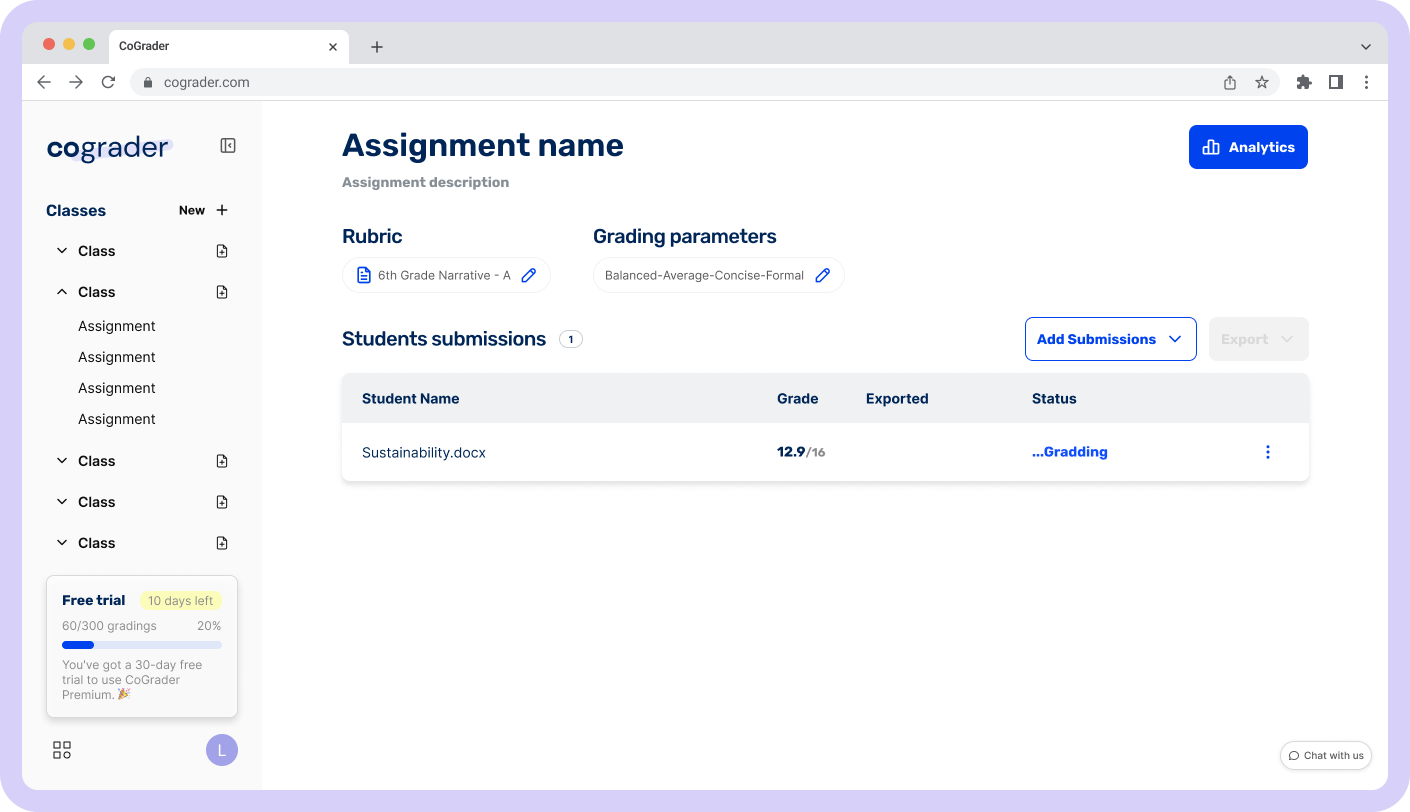
Button before
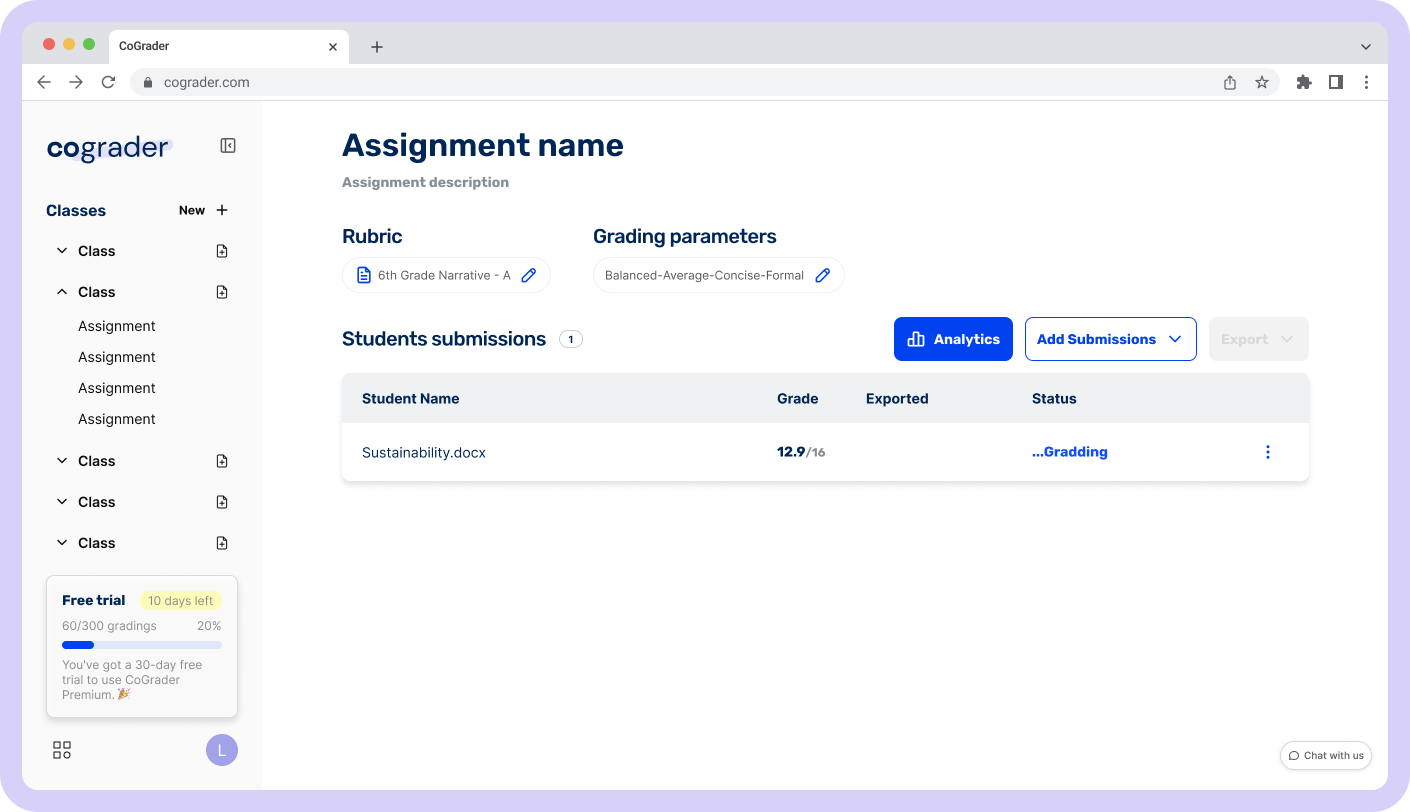
First idea
Initially, I moved the Analytics button closer to the students' submissions activity data to increase its visibility. However, this change alone did not significantly improve engagement with the analytics section. After discussions with the CoGrader team and exploring different interaction alternatives, the most effective solution was to present analytics and submissions as side-by-side tabs. This allowed teachers to access analytical insights more naturally while reviewing class activities, making it easier to understand how a specific class is performing.
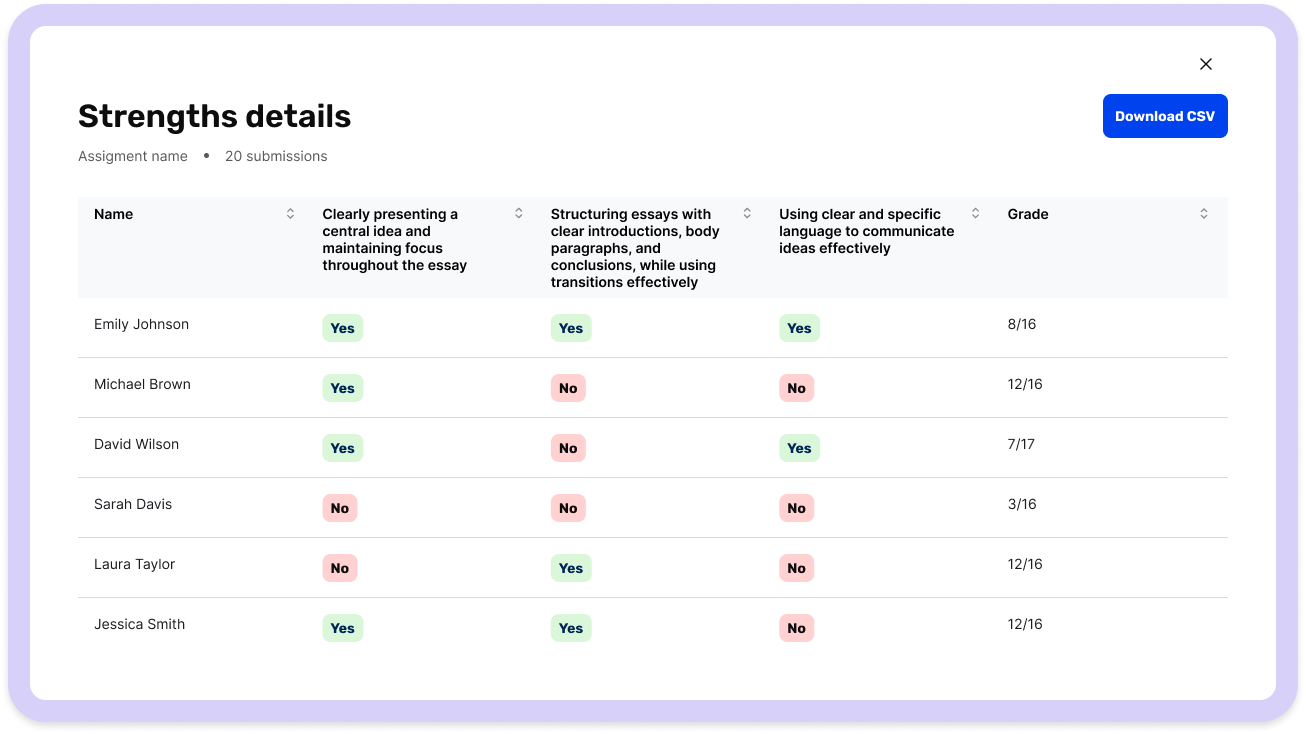
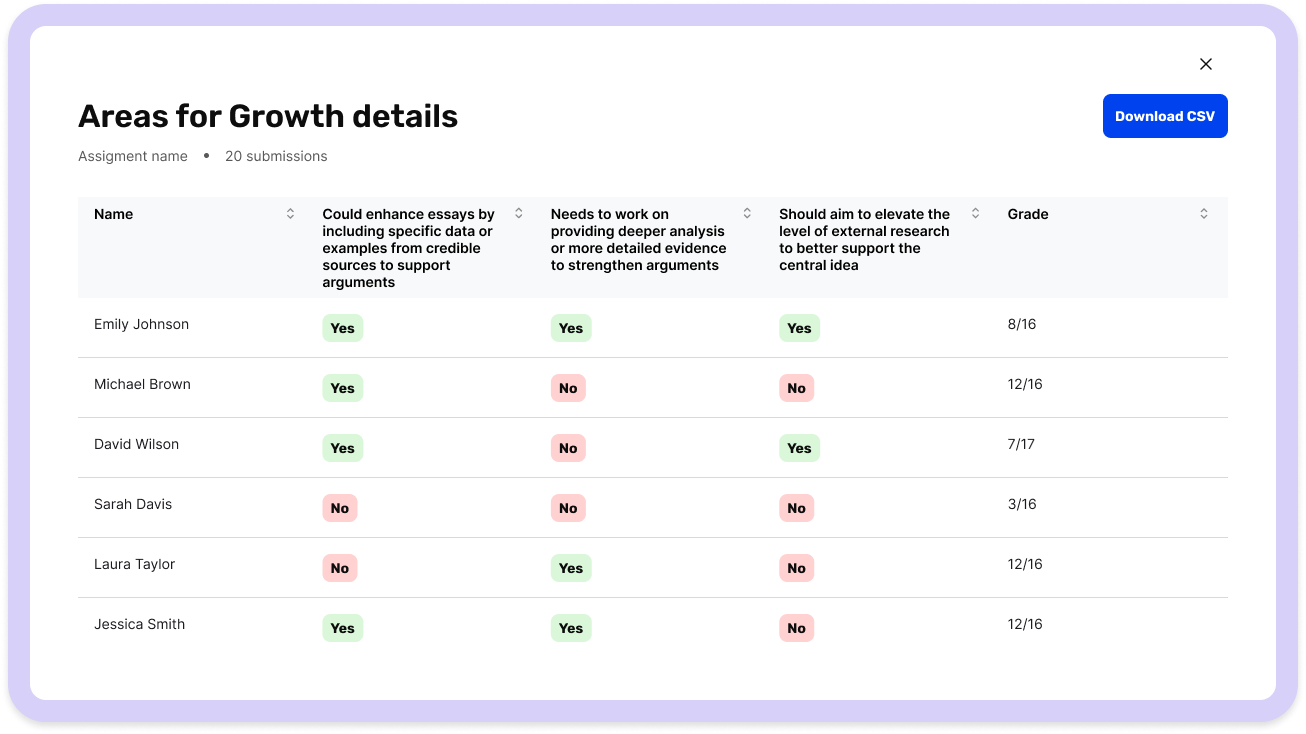
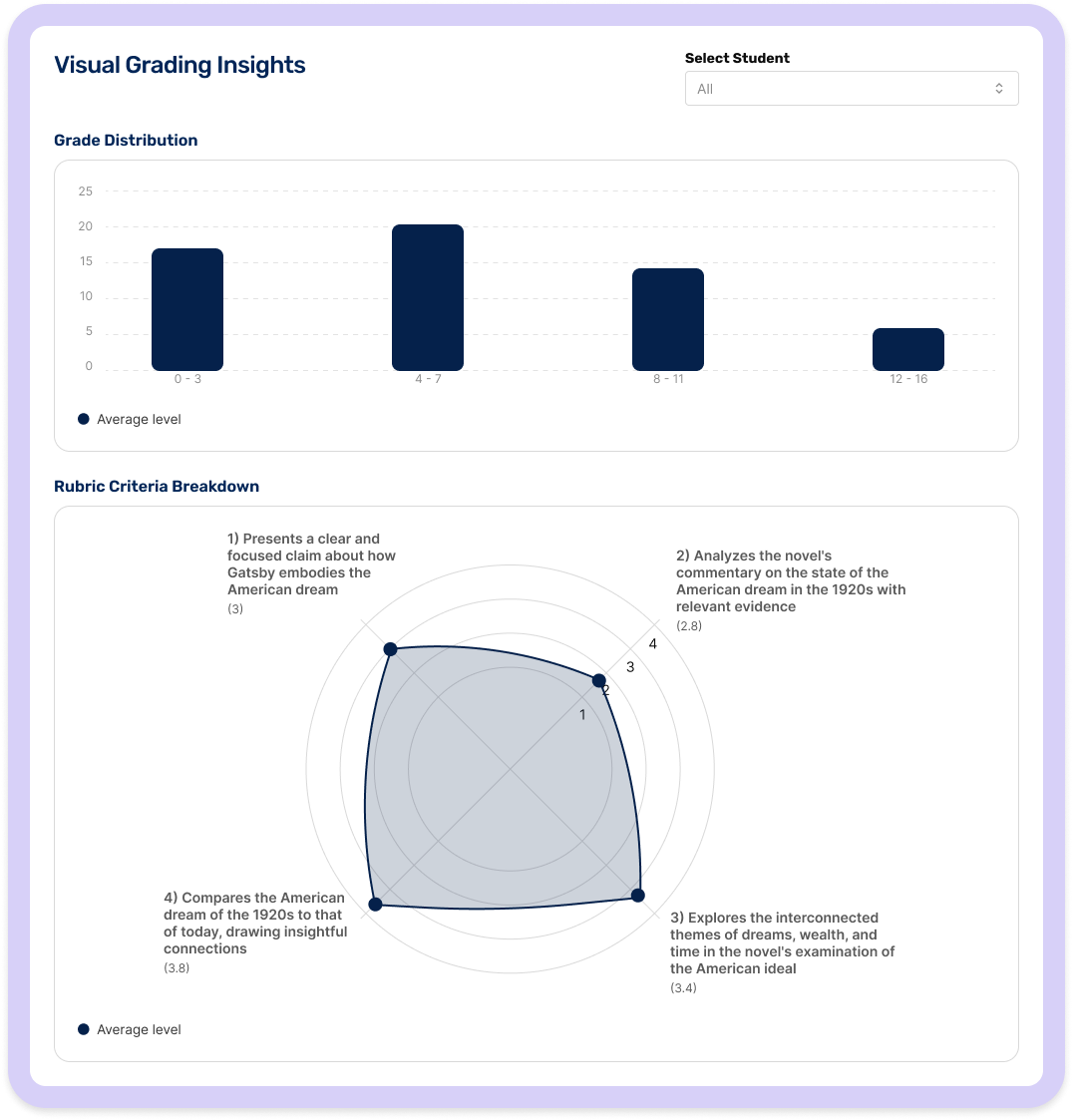
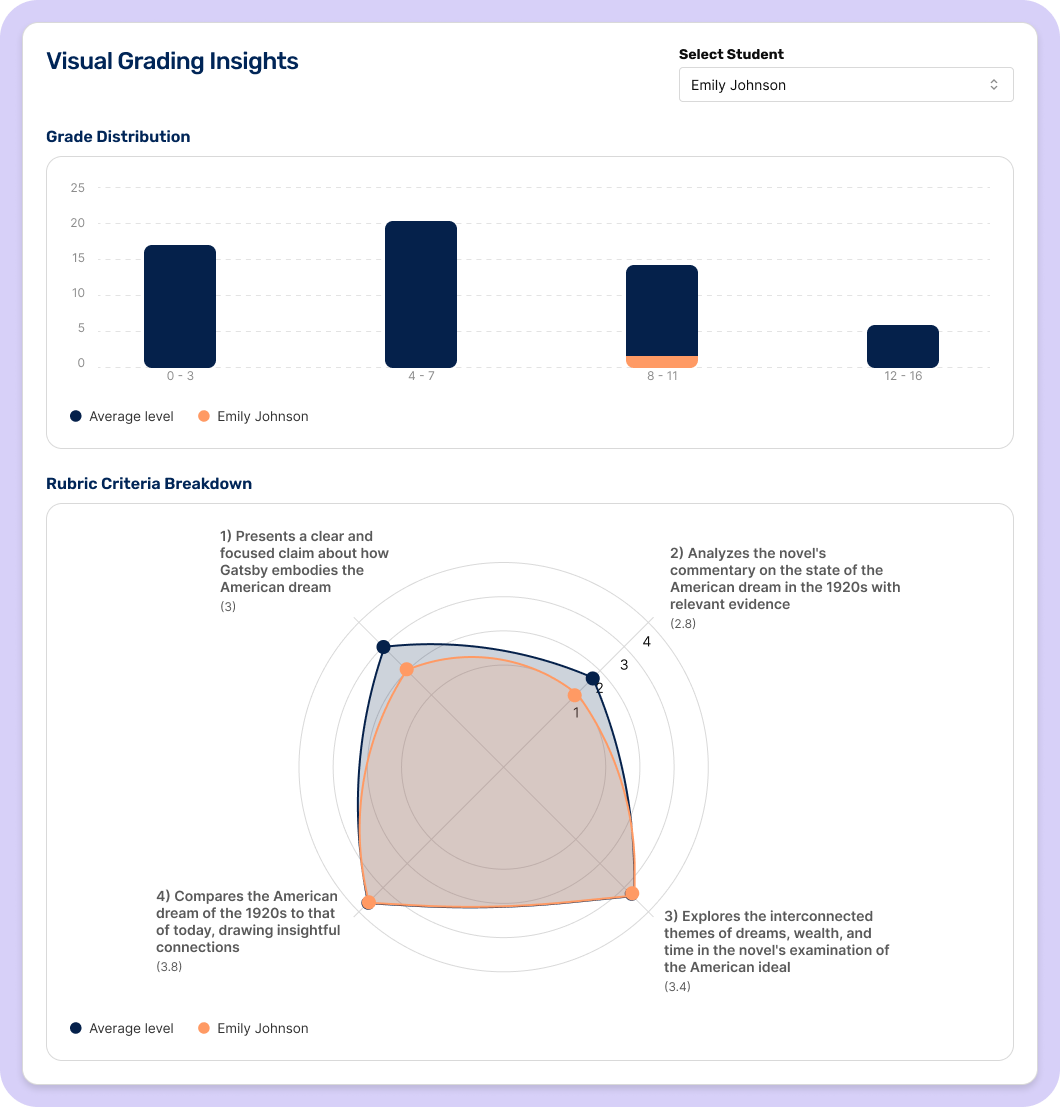
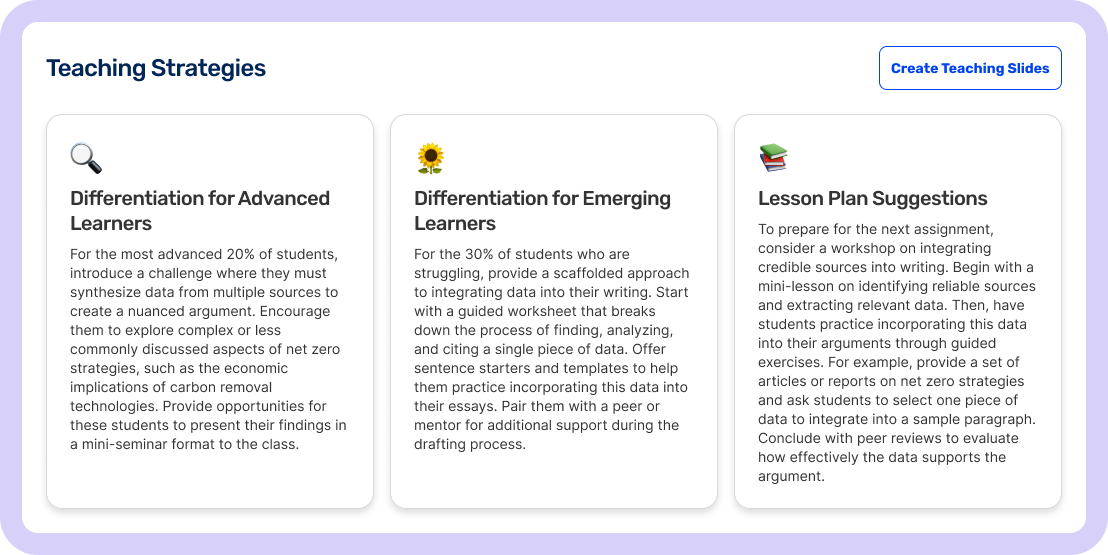
In addition, the platform lacked tools that allowed teachers to explore the data in greater detail. Teachers needed a way to view individual student performance, both within AI-generated insights and chart data. To address this, I introduced buttons that open a modal displaying a list of all assessed students and whether they met the evaluation criteria. I also added features that allow teachers to compare each student’s individual performance with the overall results of the class.
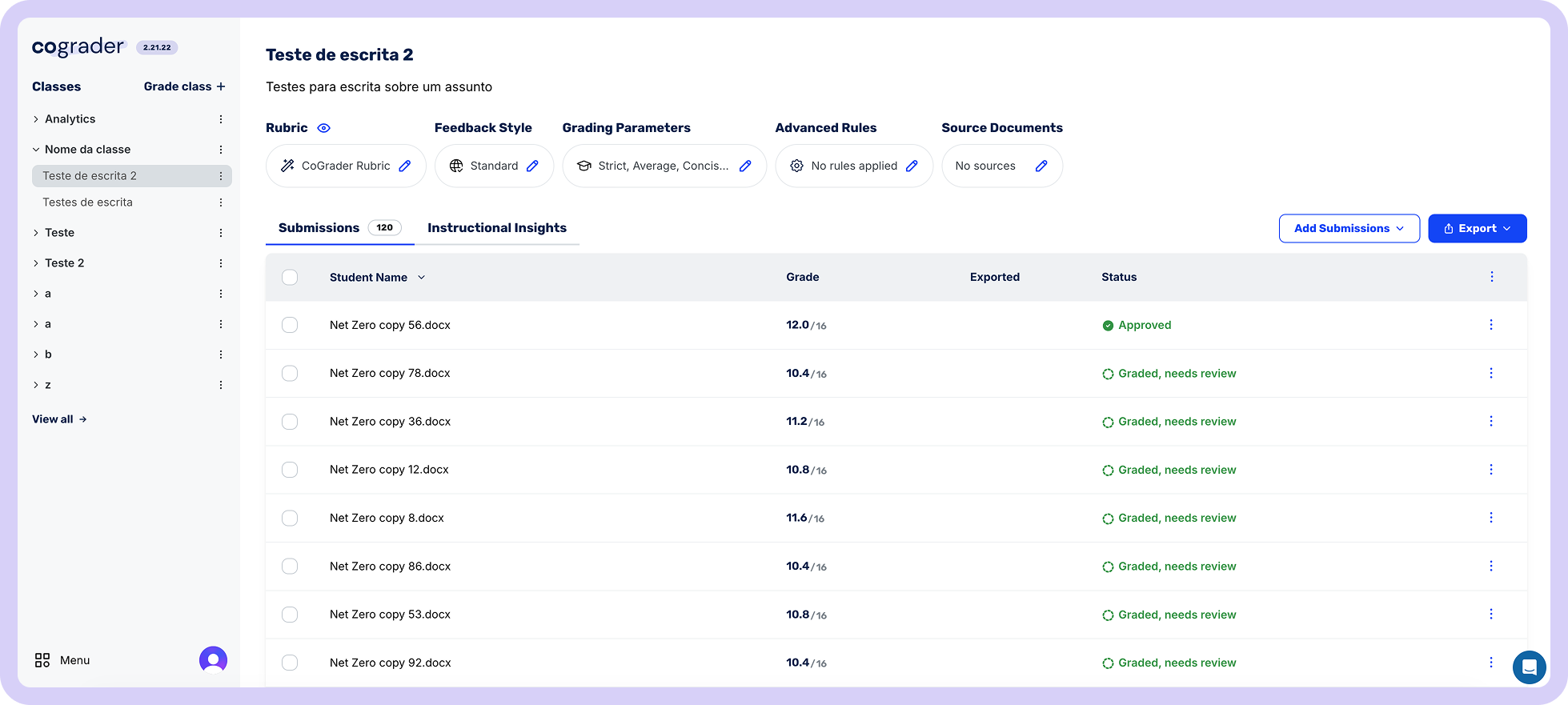
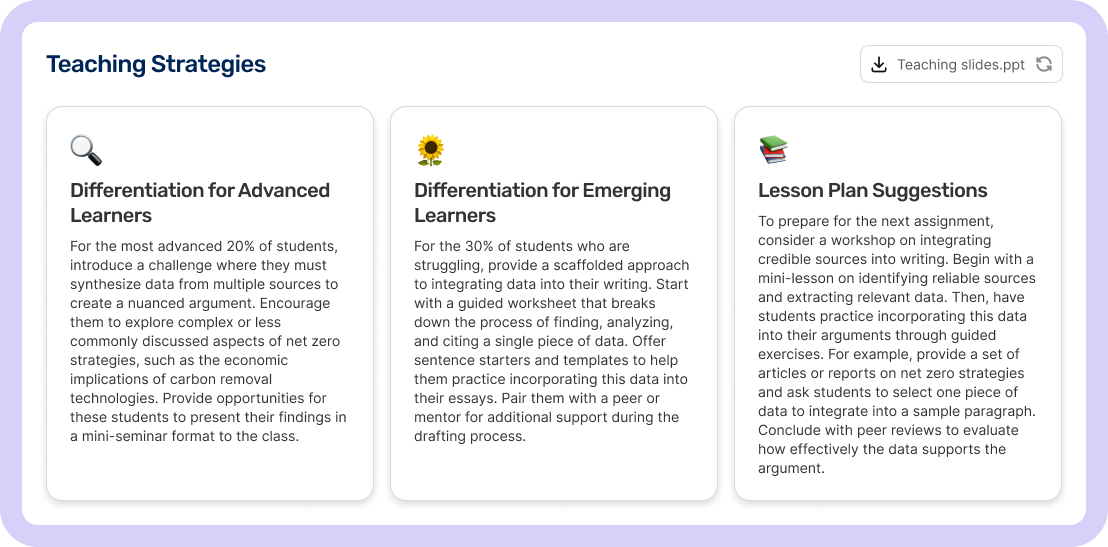
Final idea for analytics button -> a tab called instructional insights
OUTCOME
Creating new flows and features resulted in...
Increased visibility of the assignment's analytics
System changes to grade quizzes, making them easy to use.
Teachers are now finding it easier to discover, understand, and act on key features, leading to higher engagement with AI tools and a more effective grading workflow. The redesign strengthened both usability and business alignment, setting the stage for future feature adoption.